Ambient AI for your entire computer

Never drop
another ball.

A private AI that lives on your PC, quietly remembers everything you see, read, and say — and reaches you anywhere.

Your screen, files, meetings, and inbox in one private, encrypted memory that stays on your machine. Ask it from your phone; it reaches back when something needs you. Your $120K chief of staff — for $15 a month.

No credit card · Free forever · Windows 10 & 11 — Mac coming soon.

MyHandler — your private memory Watch demo

From your phone: "What did I quote Acme?" — answered from a file on your laptop, in seconds.

AES-256-GCM encrypted Desktop data stays local Zero data retention No human access
One private memory

It remembers.
You just ask.

Everything you see, read, and say flows into one encrypted memory on your machine. Then you can ask it anything — from your desk or your phone.

Sees your screen
Local
Hears your meetings
Local
Reads your channels
Encrypted relay
One private memory
encrypted, on your machine
Ask from anywhere Chat on your desktop Text it from your phone Hold a key and speak
500 GB
average laptop, indexed
0 bytes
uploaded to use it
200 ms
from question to answer
A real day

What your Handler does
while you live your life.

Without your Handler
7:30 AM Open inbox. 47 unread. Coffee gets cold while you triage.
8:47 AM Forgot to reply to Sarah. She's mentioning it in Slack now. You apologize.
9:00 AM Meeting in 3 minutes. Scramble for the pre-read you never opened.
9:55 AM Meeting ends. No notes taken. Action items will be forgotten by lunch.
11:00 AM Hunt through 4 folders for that contract. 12 minutes gone.
2:00 PM You promised a reply 3 days ago. Still haven't sent it.
5:30 PM Still 121 emails. 40 unread. You carry the weight home.
With your Handler
7:30 AM Handler briefing arrives: 3 items need you. 47 handled silently.
8:47 AM "Sarah's been waiting since Monday." You reply before she has to chase you.
9:00 AM Meeting in 5 min. Your Handler surfaces context from 3 channels.
9:55 AM Post-meeting: action items extracted, the open question flagged for you.
11:00 AM From your phone: "What did I quote Acme?" Answered from a file on your laptop, in seconds.
2:00 PM Stale thread alert: "You promised a reply 3 days ago. No answer yet."
5:30 PM 121 emails processed. 5 needed your attention. Done.
Have you texted your computer today?

Knowing everything
is just the start.

Your Handler doesn't wait for you to open it. Put it on a schedule, reach it by text from anywhere, or just hold a key and talk.

Two-way reach
Text your Handler

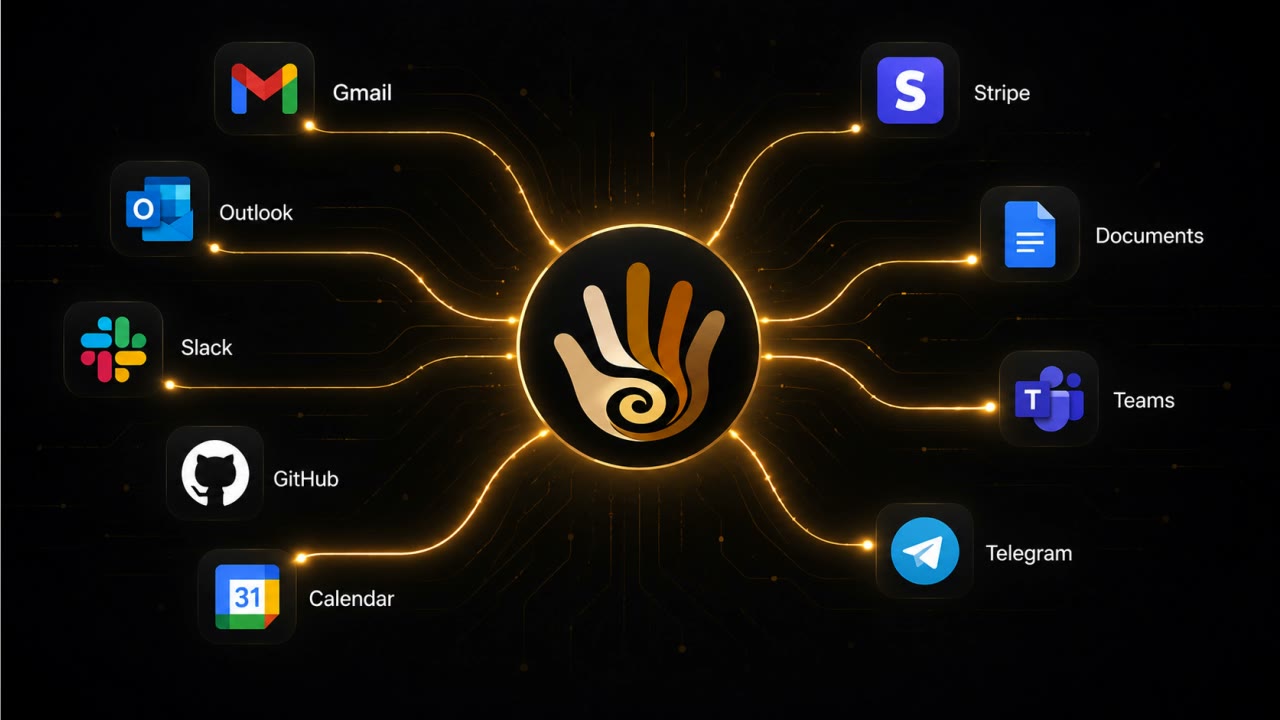
Message it on Telegram, SMS, Discord, or email and get answers pulled straight from the data on your computer — your files, your meetings, your history. And it reaches back out to you the moment something needs you.

"What did I quote the Maple Street job?" — answered from a file on your laptop, in seconds.
Set it and forget it
Scheduled Jobs

Tell it once, in plain language, and it runs on its own. "Every three hours, recap what's come in and what's coming up." "Every morning, check for new listings that match my buyer." It does the work and reports back.

Recurring research, briefings, and reminders — on your schedule, not your screen time.
Press to talk
Voice Dictation

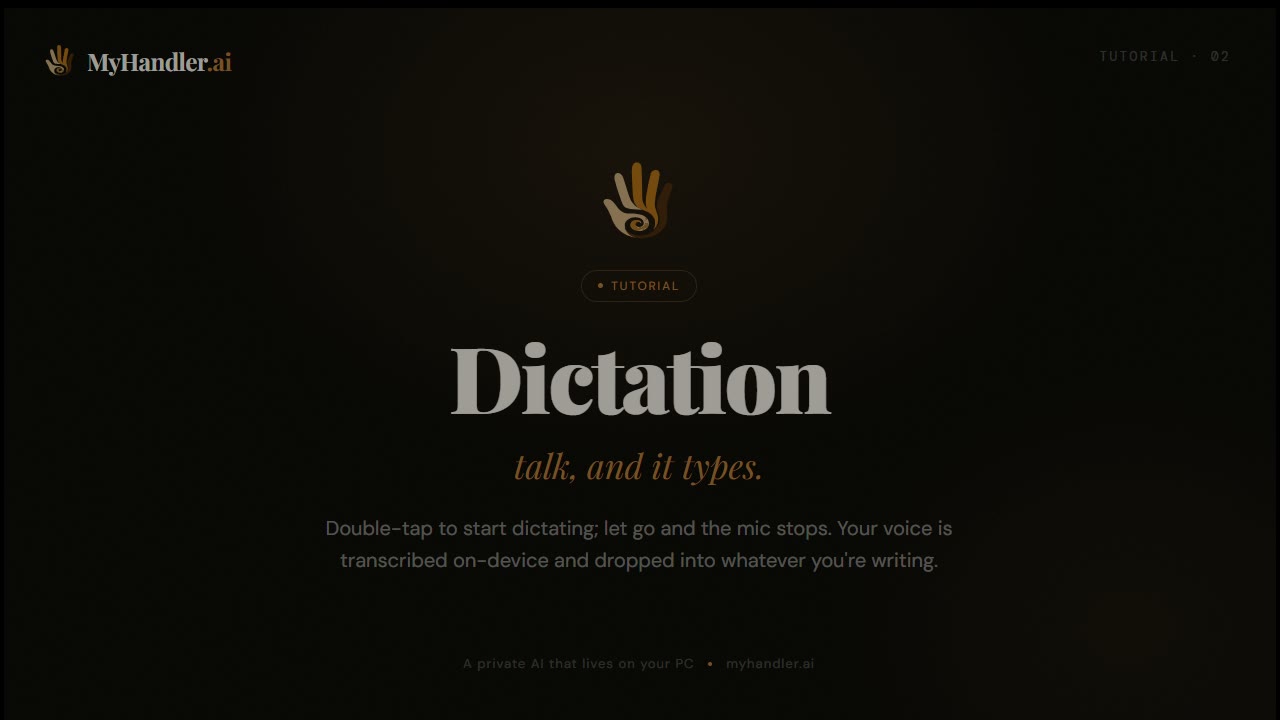
Hold Ctrl+Alt+D and speak; let go and the mic stops. No wake word, nothing always-listening — a badge shows the moment it goes live. Your voice is transcribed right on your device, so the audio never leaves your machine, and the text drops into whatever you're writing. It never sends anything on its own.

Talk when your hands are full, type when they're not — the mic only ever listens while you hold the key.
Everything in one memory

One memory.
Many ways in.

Screen, files, meetings, email, and every channel — captured into one private memory you can question. Desktop data stays local; channels arrive encrypted.

Local & private
Screen Intelligence

UI Automation text extraction — no screenshots, no camera, no images. Detects OTPs and copies them automatically. Surfaces actionable items as they appear. Tracks commitments, deadlines, and numbers before you forget them.

"It sees what you see — and remembers what you forget."
Local & private
Documents & Files

Index user-selected folders on your machine. Full-text and vector search, all on-device. Find the contract you signed last March, the proposal from Q2, the spec you wrote two laptops ago — Ctrl+K, 200ms, never leaves your computer.

"It reads your filesystem so you don't have to."
Local & private
AI Meeting Assistant

Transcription runs entirely on your machine with whisper.cpp — no bot joins your call, no notification to anyone else. A pre-meeting brief surfaces who's in the room and your history with them, minutes before you join. Afterward, the action items are pulled out for you.

"No bot. No upload. Just a quiet local transcript."
Cloud, AES-256 encrypted
Email & Channel Intelligence

Five-level AI triage across all your channels — email, Slack, Teams, SMS, Telegram, Discord. The noise is filtered out; only what genuinely needs you ever surfaces.

"121 emails a day. It reads every one. You read the five that matter."
Cross-source synthesis
Relationship Intelligence

Auto-built contact profiles from every source — email, Slack, Teams, calendar. Sentiment tracking with baseline anomaly detection. Communication style learned per contact.

"It knows you emailed Tuesday, Slacked Wednesday, and they're cooling on the deal."
The real moat
Memory & Context

Episodic memory with vector search. Every piece of context available the moment it matters.

"Search and find anything that you've seen, typed or heard."
How it works

Two minutes to set up.
Two days to be indispensable.

No configuration wizards. No manuals. Your Handler starts working the moment it's connected.

Step 1
Install & Connect

Download the Windows desktop app. Connect your email, Slack, Teams. One wizard, under 2 minutes. Your Handler begins watching immediately — screen, meetings, channels, all at once.

Takes → Under 2 minutes
Step 2
Your Handler Learns

Watches your screen locally. Listens to meetings locally. Reads your channels with encryption. Builds contact profiles automatically. Gets smarter every hour — your priorities, your voice, your context.

Continuous → Gets smarter every hour
Step 3
You Stay in Control

Nothing is sent, shared, or acted on without your explicit approval. Your Handler proposes. You decide. Review drafts, adjust classifications, approve actions — in seconds, not minutes.

Always → Nothing happens without your OK
Privacy by architecture

Local where it can be.
Encrypted where it can't.

Desktop data never leaves your device. Channel data passes through an encrypted relay and lands on your device — then we delete our copy. Either way, only your Handler can read it, and we never train on any of it.

TIER 1 — LOCAL (your machine)
Screen content UI Automation, text only — no images
Documents & files user-selected folders, indexed locally
Meeting transcripts whisper.cpp, on-device, no network
Vector embeddings ONNX on-device, never uploaded
Local AI Qwen 3 4B — default, always local
Storage SQLCipher AES-256 — key in Windows Credential Manager
Stays on your machine. Always.
TIER 2 — RELAY (encrypted, transient)
Email encrypted relay — deleted after sync
Slack / Teams encrypted relay — deleted after sync
SMS / Telegram encrypted relay — deleted after sync
Calendar encrypted relay — read-only
Cloud AI Groq ZDR for inference
Relayed, then deleted. It lives on your device.

Your email already lives on Gmail or Outlook's servers — in fact, 4–6 copies of every email already exist across sender, recipient, and backup servers. We don't add a permanent one: we relay it to your device encrypted, then delete ours.

Desktop data stays on your device

Screen content, file indexes, and meeting transcriptions are stored in an encrypted local database on your machine. All queries against local data run through a local AI model (Qwen 3) — no network calls, no cloud roundtrip. You can optionally switch to MyHandler Cloud AI for faster inference, but local is the default.

Channel data: relayed, then deleted

Email, Slack, Teams, Telegram, and every connected channel pass through our servers encrypted — AES-256-GCM, column-level — held only until your desktop pulls them into your local database. Once your device has them, our copy is permanently deleted, within minutes.

Zero Data Retention on cloud AI

Your messages are discarded the instant the AI is done thinking. Nothing is stored, nothing is sold, nothing trains future models. Classification and drafting run through Groq under Zero Data Retention; embeddings are computed locally on your device.

No bot, no screenshot

Screen capture via UI Automation — text extraction only, no images, no screen recording. Meeting capture via system audio — no bot joins, no notification to other participants. No camera access. No keylogging.

Prompt injection defense

Adversarial emails trying to hijack your Handler? Caught before they reach the model. Multi-layer detection on the cloud path; a stricter privacy filter on Desktop's local model.

Windows Credential Manager

Encryption keys for both local and cloud data stored in OS-level secure storage — not in a config file, not in the cloud. On your machine, in the vault Windows already protects with your login credentials.

What we DON'T do
No screenshots
No keylogging
No camera access
No data sold
No training on your data
No human reads your email
No bots joining calls
The honest comparison

Everyone else
solves one piece.

At $15/month — vs Superhuman's $30 — and we cover far more than email.

Feature MyHandler Littlebird Rewind* Granola Superhuman
On-device file indexing ✓ Local
All your channels (not just email) Email only
Reachable by text from anywhere
Runs scheduled jobs for you
Desktop data: truly local
Still independent Acquired by Meta* Acquired by Grammarly*
Price $15/mo From $20/mo Discontinued $14–18/mo $30–40/mo

*Rewind / Limitless was acquired by Meta in December 2025; the Mac app shut down Dec 19, 2025. Superhuman was acquired by Grammarly in October 2025.

Pricing

$15/month for your own
AI chief of staff.

A human EA costs $60–120K/year. Your Handler costs $15/month — and covers email, meetings, screen, and all your channels. No credit card to start.

Free
$0
forever

See what your Handler can do.

Get Started
Most Popular
Personal
$15
/ month

For professionals who mean business.

Get Started
Business
$29
/ month

Full power. Zero compromises.

Get Started
Executive
$59
/ month

Your Handler, fully unleashed.

Get Started
AI classifications / month 250 500 1,000
Email channels 1 3 10 Unlimited
Calendar integration
Smart screening & DND
Voice receptionist (min / month) 1 30 60
Free
$0 forever
Get Started
  • 1 email channels
  • Calendar integration
  • 1 voice receptionist (min / month)
Most Popular
Personal
$15 / month
Get Started
  • 250 ai classifications / month
  • 3 email channels
  • Calendar integration
Business
$29 / month
Get Started
  • 500 ai classifications / month
  • 10 email channels
  • Calendar integration
  • 30 voice receptionist (min / month)
Executive
$59 / month
Get Started
  • 1,000 ai classifications / month
  • Unlimited email channels
  • Calendar integration
  • 60 voice receptionist (min / month)
Questions answered

The things you actually
want to know.

?Do you read my emails?
Yes — that's the whole point. Your Handler reads every message so you don't have to. But no human ever sees your messages. Channel data is AES-256-GCM column-encrypted as it passes through our relay and mirrored down to your Desktop in a SQLCipher-encrypted SQLite — then our copy is deleted within minutes. Your data never trains AI models. Classification runs on your Desktop — through Groq under Zero Data Retention when Cloud AI is on, or a local model on your machine when it's off.
?Is everything really local?
No — and we'd rather be honest about it. Your screen content, indexed documents, meeting transcripts, and vector embeddings are stored locally in an encrypted SQLite database on your machine. Qwen 3 runs on your device to query them — zero network calls. Your email, Slack, Teams, SMS, Telegram, and calendar arrive through our encrypted relay so nothing is missed while you're offline — then they sync into your local database and our copy is deleted within minutes.
?Does a bot join my meetings?
No. Your AI meeting assistant uses system audio capture to transcribe meetings locally using whisper.cpp. No bot joins. No "Notetaker has joined the meeting." No notification to other participants. The transcription runs entirely on your device, never touches the network.
?Does it listen to me?
Only when you ask it to. There's no wake word and nothing always-listening. The microphone stays off until you hold Ctrl+Alt+D to dictate, and an on-screen badge shows the entire time it's live. Your voice is transcribed right on your device with whisper.cpp, so the recording never leaves your machine — let go of the key and the mic stops.
?Do I need the Windows desktop app?
Yes — MyHandler is the desktop app. Your screen, files, meetings, email, and channels all come together in an encrypted database on your own machine, and that's where the intelligence runs. You sign up and connect your channels on the web, but the product itself is the Windows app. Mac and Linux support is on the roadmap.
?Can I really just text my Handler?
Yes. Message it on Telegram or SMS and ask about your own data — "what did I quote the Acme job?", "when's my next meeting with Sarah?", "recap that thread." The answer is pulled from the data on your own computer and sent back on the same channel. Your Handler also reaches out to you that way when something needs your attention.
?Can I control what my Handler does?
Completely. Your Handler never sends anything on its own. When you ask it to draft or send something, it shows you first — approve, edit, or skip it. Re-classify anything the AI got wrong and it learns. Your Handler, your rules.
?I have a question that's not here.
Email hello@myhandler.ai and you'll hear back from a human — usually within a day, often within an hour. We're a small team and we read every message.
EST. 2026 — MYHANDLER.AI

The 1% have always had someone
managing their world. Get yours.

Your Handler keeps your screen and meetings local, syncs your channels down to your device through an encrypted relay, attends your meetings silently, and surfaces only what needs your brain. Nothing is ever sent without your approval. You'll wonder how you managed without it.

Download free for Windows Create an account
No credit card · Free forever · 14-day Personal preview included. Windows 10 and 11 — macOS and Linux coming soon.